- To log into the program for the first time, you will have to sign in as the Administrator. Use the User ID and password provided by Abenaki.

- Once logged in go to help then register and key in the serial number provided to you by Abenaki.
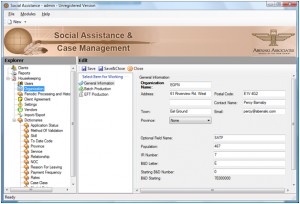
- From the Explore menu (left panel), select the Organization menu option and then select the New button under the work organizations in the window on the right. Complete the general information screen and save. Complete the batch production screen and save as well as the EFT production screen if required press save and close.
- Next setup each type of user. To access the user maintenance screen for the first time you must be signed in as the administrator user. Create at least one Power user and one Standard user to perform functions in the program.

- Exit the program. Log in as the Power type user you just created in step 4.
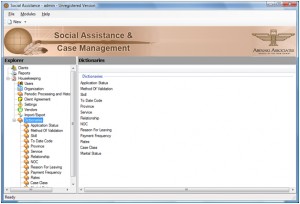
- Customize / Modify the dictionary items; these dictionaries can be modified by the Administrator or power user. These dictionary items will be available in different sections of the Social Assistance module for the standard type user. Many of these dictionary lists have values already assigned, but can be added to at any time. These dictionaries are a way for you to customize the module to meet your requirements.
- Once the dictionaries are setup, exit the program and long in as the standard type user to begin entering clients.


